AI Chatbot for Small Business Websites: Lead Gen Guide
Why small business websites lose leads without instant response
Most small business websites have the same hidden problem: visitors arrive with questions, but nobody answers fast enough. A customer wants to know pricing, service area, availability, booking steps, product details, or whether the business can solve a specific problem. If the answer is hard to find, the visitor leaves. An AI chatbot can reduce that gap by giving people a helpful first response before they bounce.
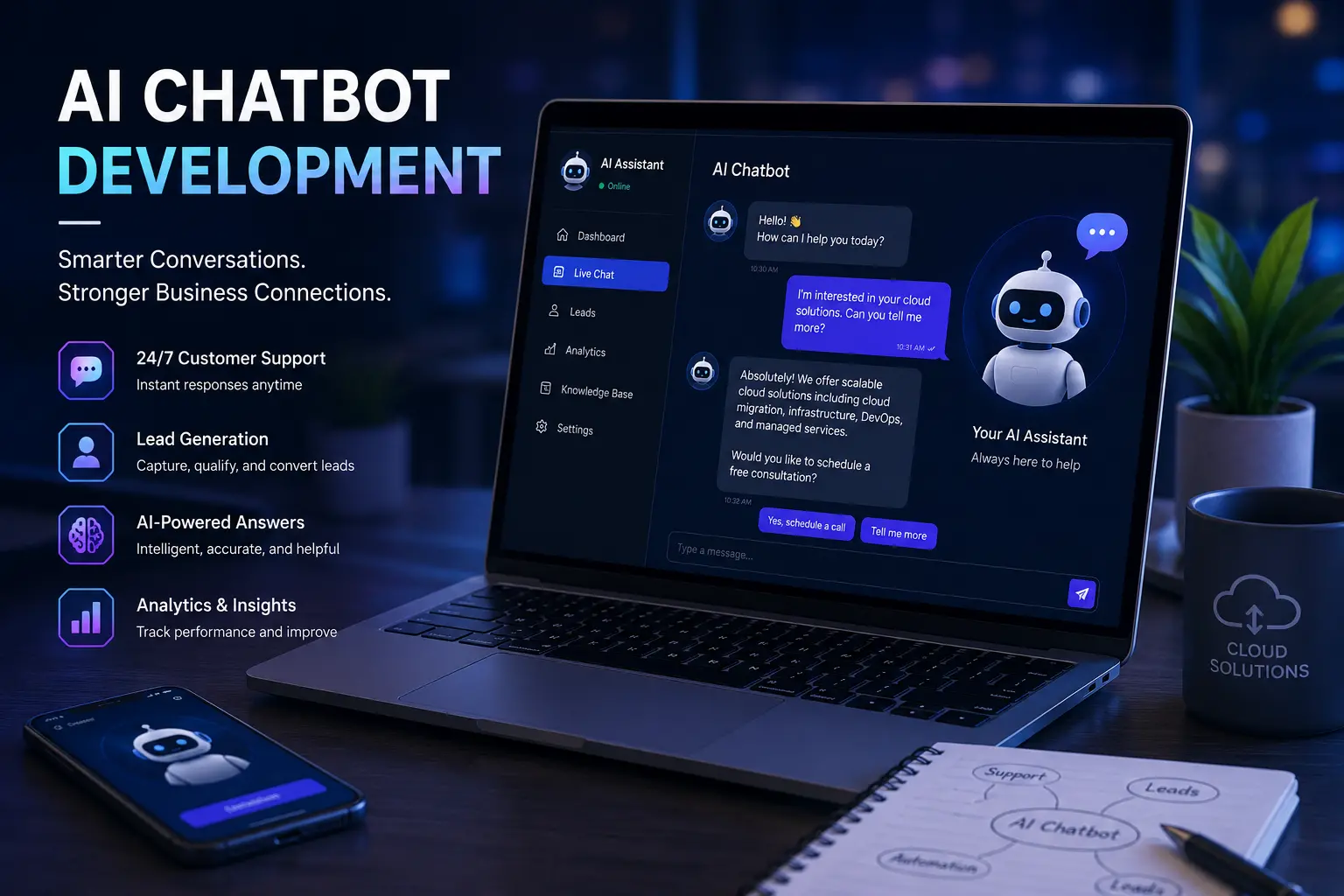
A chatbot is not a replacement for the owner, sales team, or support staff. It is a front-line assistant. It can greet visitors, answer common questions, collect contact information, route inquiries, and explain next steps. For businesses that receive calls after hours or miss messages during busy workdays, this matters. The website becomes more than a brochure. It becomes a 24/7 lead capture system.
The strongest chatbot strategy starts with business goals. Do you want more quote requests, booked consultations, product sales, appointment requests, newsletter signups, or support deflection? The goal determines the conversation design. A chatbot that tries to do everything usually feels confusing. A chatbot built around one or two conversion goals feels useful and direct.
The lead generation chatbot flow that works
A good small business chatbot follows a simple pattern: greet, identify intent, answer, qualify, capture, and hand off. The greeting should be friendly and specific. Instead of “How can I help?” try “I can help with pricing, services, booking, or project questions.” This gives the visitor options and reduces friction. After the visitor chooses a path, the chatbot should answer with short, clear responses.
Qualification should feel natural. The chatbot can ask what service the visitor needs, where they are located, how soon they need help, and the best way to contact them. Avoid asking for too much too early. People are more likely to share details after they receive value. For example, answer the pricing question first, then ask whether they want a quote. This builds trust.
- Greeting: “Welcome. I can help with services, pricing, booking, or project questions.”
- Intent: “Are you looking for a website, cloud support, AI chatbot, SEO, or general consulting?”
- Answer: provide a short explanation with a relevant internal link.
- Qualify: ask budget range, timeline, business type, or problem details.
- Capture: ask for name, email, phone, and preferred contact method.
- Hand off: send the lead to email, CRM, database, or calendar booking link.
What your chatbot should know before it goes live
The chatbot is only as helpful as the information behind it. Start by creating a knowledge base from your website pages, service descriptions, pricing ranges, FAQs, business hours, location, portfolio links, booking process, refund policy, and support boundaries. Keep answers grounded in your actual business. If the chatbot does not know something, it should say so and offer to collect the visitor’s question for follow-up.
For a service business, the chatbot should know each service, who it is for, typical starting price, timeline, deliverables, and next step. For an e-commerce site, it should know product categories, shipping policies, return rules, order support steps, and common objections. For a professional portfolio, it should know skills, certifications, projects, resume links, and contact options.
Do not let the chatbot invent promises. Add guardrails. It should avoid making guarantees about exact prices, legal outcomes, medical advice, financial returns, or timelines unless those statements are approved. The safer pattern is to provide general guidance and invite the user to request a custom quote or speak with the business owner.
Technical implementation options
There are three common ways to add an AI chatbot to a small business website. The fastest is a hosted chatbot platform where you paste a script into the site. The flexible option is a custom chatbot that sends messages from JavaScript to a PHP or Node backend, then calls an AI model server-side. The advanced option connects the chatbot to a knowledge base, CRM, analytics, and booking tools.
For a custom PHP website, keep the API key on the server. The browser should never call the AI provider directly with a secret key. The front end sends the visitor message to a PHP endpoint. The PHP endpoint validates input, adds system instructions, calls the model, logs the conversation safely, and returns the response. This design protects credentials and gives you control over rate limits and abuse prevention.
Store leads separately from full chat logs. A lead record might include name, email, phone, service interest, message summary, page URL, and timestamp. Full conversations can contain sensitive information, so be thoughtful about retention, privacy, and access. Add a short privacy notice near the chat form when collecting personal information.
How a chatbot improves SEO and conversions together
A chatbot does not directly replace SEO content. Search engines still need crawlable pages with useful text, headings, metadata, schema, and internal links. However, a chatbot can improve the value of organic traffic once visitors arrive. If a blog post ranks for “AI chatbot for small business website” and the page includes a chatbot that answers service questions, the visitor has a faster path from research to inquiry.
Chatbot conversation data can also guide content strategy. If visitors keep asking about pricing, create a pricing guide. If they ask about setup time, create a timeline page. If they ask whether a chatbot works with WordPress, PHP, Shopify, or custom websites, create comparison posts. The chatbot becomes a research tool for understanding customer intent.
Be careful with performance. A heavy chatbot widget can slow the page and hurt user experience. Load the chatbot after the main content, compress assets, avoid blocking scripts, and test Core Web Vitals. A chatbot that increases leads but slows every page needs optimization. The goal is fast pages plus better conversations, not one at the expense of the other.
Chatbot metrics every business should track
Track the chatbot like a sales channel. Important metrics include open rate, conversation start rate, lead capture rate, qualified lead rate, booking clicks, unanswered questions, fallback responses, and average response quality. Also track the pages where chatbot leads begin. A service page may produce more qualified leads than a general homepage, while a blog post may produce early-stage questions.
Review conversations weekly at first. Look for repeated questions, confusing answers, and missed opportunities. Update the knowledge base and prompts based on real behavior. The best chatbot is not perfect on launch day. It improves through iteration, just like a website, ad campaign, or sales script.
- Lead capture rate shows whether visitors are willing to share contact information.
- Fallback rate shows where the chatbot lacks knowledge.
- Booking click rate shows whether the conversation moves people toward action.
- Page source shows which SEO pages bring high-intent visitors.
- Response time and error rate show whether the integration is reliable.
Best practices for trust and user experience
Make the chatbot easy to close. Do not cover important buttons on mobile. Do not force the chat window open on every page. Use short answers with links to deeper pages. Let users reach a human when needed. These details sound small, but they determine whether the chatbot feels helpful or annoying.
Use plain language. A small business visitor should not need to understand APIs, language models, or automation architecture to get help. The chatbot can use friendly wording while the backend handles the technical complexity. That is the point of good user experience: make the next step easier.
Finally, align chatbot answers with your real offer. If the website sells web development, cloud consulting, SEO, and AI automation, the chatbot should guide visitors toward those services. If the owner wants more consultations, the chatbot should ask whether the visitor wants to book one. A chatbot that captures attention but does not support the business model is just decoration.
Prompt design for a business chatbot
The system instructions behind the chatbot should define the business, the tone, the services, the boundaries, and the conversion goal. A useful prompt tells the assistant to answer briefly, ask one question at a time, avoid inventing policies, and recommend a human follow-up when the visitor needs a custom quote. It should also tell the chatbot which pages to link to for services, pricing, booking, and support.
Keep a version history of chatbot prompts. When you improve the wording, save the date and reason. This helps you understand which changes improved lead capture or reduced bad answers. Treat prompt design like website copywriting and software configuration combined. It is not just a one-time setup. It is an operating asset that should improve as you learn from real visitors.
For local or service-based businesses, include service area, business hours, response expectations, and emergency boundaries. If the business does not provide emergency support, the chatbot should say that clearly. If pricing depends on project scope, the chatbot should provide starting ranges or explain the quote process without pretending every project costs the same.
Next step: Add a focused chatbot goal, connect it to your lead form or CRM, and use the questions visitors ask to create the next SEO blog posts your audience is already searching for.

0 Comments
No comments yet. Be the first to comment.