How to Build a PHP MySQL Portfolio Website That Gets Leads
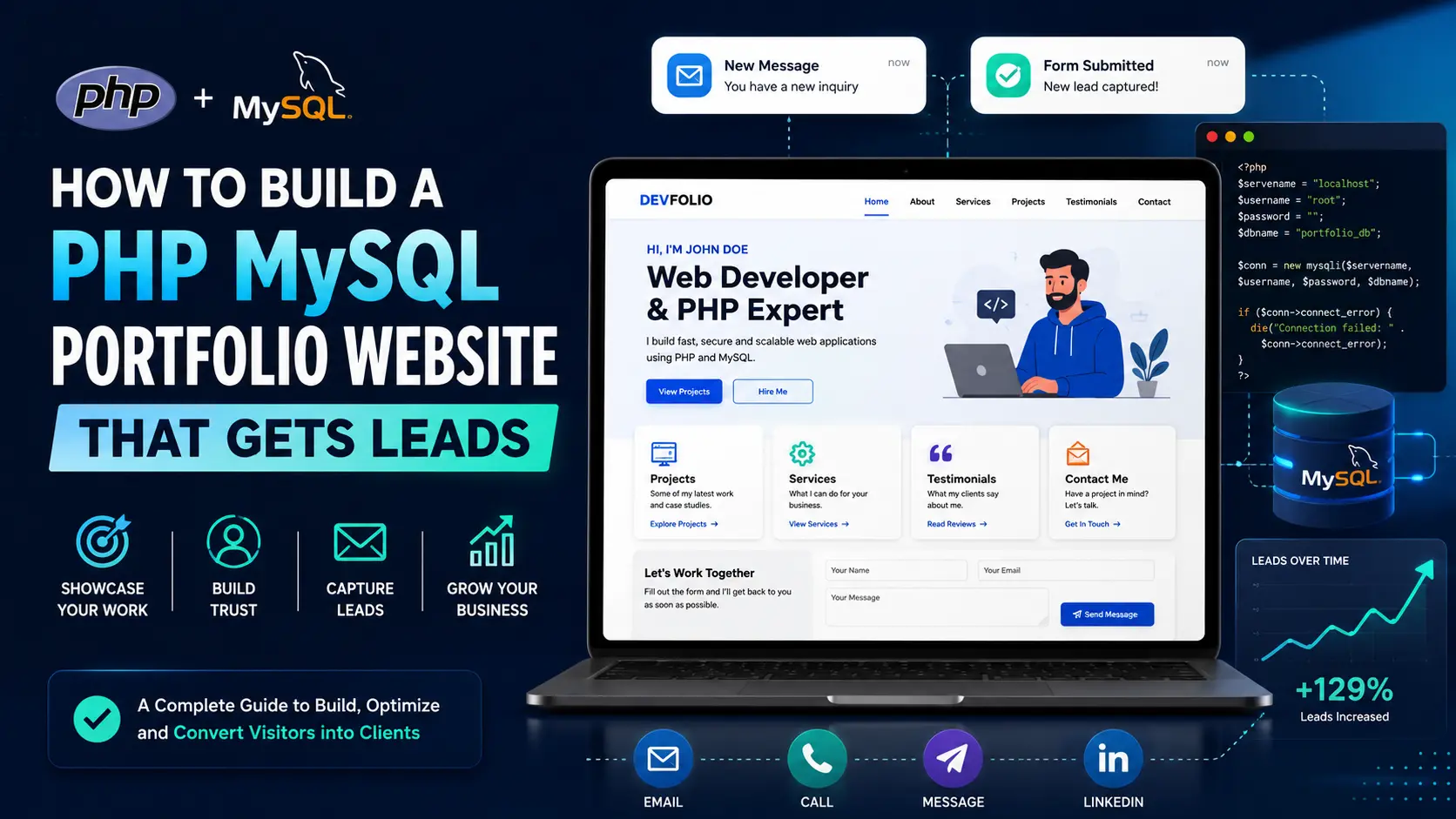
Why a custom portfolio can rank and convert better than a template
A strong developer portfolio is not just a digital resume. It is a working proof of skill, a sales page, a learning journal, and a lead capture system in one place. When someone searches for a developer, cloud consultant, SAP consultant, or web designer, they are usually trying to answer one question: can this person solve my problem? A custom PHP MySQL portfolio website helps answer that question because the site itself becomes evidence. The code, page speed, blog structure, database features, contact forms, case studies, and content strategy all show how you think as a builder.
Templates can look good, but they often hide the most important part of your value. A custom LAMP stack portfolio lets you create your own blog, route structure, admin tools, comments, forms, and service pages. Those details matter for search engines and for real visitors. Google needs crawlable pages with useful headings, internal links, clear topics, descriptive titles, and fast loading assets. People need trust signals, project context, simple navigation, and a reason to contact you. The best portfolio does both at the same time.
The goal is not to add random features. The goal is to build a portfolio that attracts the right search traffic and moves that traffic toward a next step. A recruiter may want to see cloud certifications and project history. A small business owner may want to see pricing, examples, and a contact form. A technical hiring manager may want to see how you use databases, APIs, and security basics. A well-planned PHP MySQL portfolio can serve each audience without becoming messy.
Start with search intent before you write code
Before you create files, choose the searches you want to win. A portfolio homepage can target broad phrases like full-stack developer, cloud developer, or Houston web developer, but blog posts should target more specific long-tail keywords. Long-tail keywords are phrases with a clear problem behind them. Examples include “PHP MySQL portfolio website for developers,” “how to build a developer portfolio with a blog,” “cloud computing portfolio project ideas,” and “website speed optimization checklist for small business.” These searches may have lower volume than broad keywords, but they are easier to match with focused content.
Search intent should shape the page. A person searching for a portfolio tutorial wants steps, tools, code architecture, and examples. A person searching for a consultant wants proof, outcomes, and a way to book a call. A person searching for certification projects wants a list of hands-on builds they can finish and explain in interviews. When every page answers a specific intent, Google has a clearer reason to show it and visitors have a clearer reason to stay.
A practical content map for a portfolio includes five types of pages: a homepage for your personal brand, service pages for what you sell, project case studies for proof, blog posts for search traffic, and contact pages for conversions. Each page should have one primary keyword, a short SEO title, a unique meta description, a single H1, supporting H2 sections, internal links, and a call to action. That structure sounds simple, but many portfolios miss it.
Recommended PHP MySQL portfolio architecture
A good beginner-friendly architecture uses PHP for server-side rendering, MySQL for blog and lead data, Apache rewrite rules for clean URLs, and a simple admin area for publishing. The homepage can be static PHP with dynamic sections pulled from the database. The blog index can query published posts, filter by category and tag, and paginate results. A single blog controller can use a slug to display any post. This approach keeps the site flexible without requiring a heavy framework.
Use folders that make sense. Keep shared settings in an includes folder, public pages in the root, blog post routes through a single controller, reusable header and footer files in the root or includes folder, and admin screens behind authentication. Image folders should use descriptive names like images/blog/thumb rather than random uploads. Every blog image should have a compressed WebP or AVIF version, a descriptive filename, and a matching alt text. Those details help performance and accessibility.
- Core pages: homepage, about section, services, projects, blog, single post, contact, privacy policy, and sitemap.
- Core database tables: blog_posts, blog_categories, blog_comments, contact_leads, newsletter_subscribers, and optional post_views.
- Core SEO assets: sitemap.xml, robots.txt, canonical URLs, Open Graph tags, Twitter cards, and JSON-LD schema.
- Core conversion assets: contact form, quote form, booking link, visible phone/email, lead magnet, and project inquiry form.
Build the blog as an SEO engine
The blog is where a portfolio can grow organic impressions over time. A homepage may only rank for your name and a few service keywords. A blog can rank for hundreds of specific problems. Each post should be long enough to answer the topic fully, but not padded with empty words. The sweet spot for many practical developer articles is a clear 1,500 to 2,500 words with screenshots, examples, checklists, and internal links. What matters most is that the page solves the searcher’s problem better than a thin article.
Your blog_posts table should include slug, title, date, author, category, tags, image, excerpt, content, and status. The slug becomes the clean URL. The title becomes the H1 and article headline. The excerpt becomes the meta description and card summary. The content field stores safe HTML for headings, paragraphs, lists, links, and calls to action. The status field lets you draft posts before publishing. With this structure, adding a new post does not require creating a new full PHP page every time.
Make each post internally link to related services. An article about PHP MySQL portfolio development can link to your full-stack developer page. A post about cloud projects can link to your cloud solutions page. A post about AI chatbots can link to your AI or business automation services. Internal links help visitors move through the site and help search engines understand which pages are important. Use natural anchor text instead of generic text like “click here.”
Conversion design: turn traffic into real opportunities
Traffic alone is not the goal. A portfolio should help people take action. Put a clear call to action near the top, in the middle, and at the end of important pages. The call to action does not always need to be aggressive. For a developer portfolio, useful calls to action include “view my projects,” “read case studies,” “book a consultation,” “request a website audit,” or “contact me about a role.” The right CTA depends on who the page is for.
Use proof close to the call to action. Before asking someone to contact you, show certifications, project screenshots, code stack, performance results, or a short case study. For service pages, explain what the client gets, what problems you solve, and how the process works. For career pages, explain your technical stack, real deployments, cloud work, and business impact. Visitors should not have to guess what you can do.
Forms should be short, but not weak. A good portfolio inquiry form asks for name, email, project type, budget range, timeline, and message. A recruiter-focused form may simply ask for name, email, company, role, and message. Store submissions in MySQL and send an email notification. Add basic spam prevention such as hidden honeypot fields, server-side validation, CSRF tokens, and rate limiting. Security is part of conversion because broken forms destroy trust.
Technical SEO checklist for a PHP portfolio
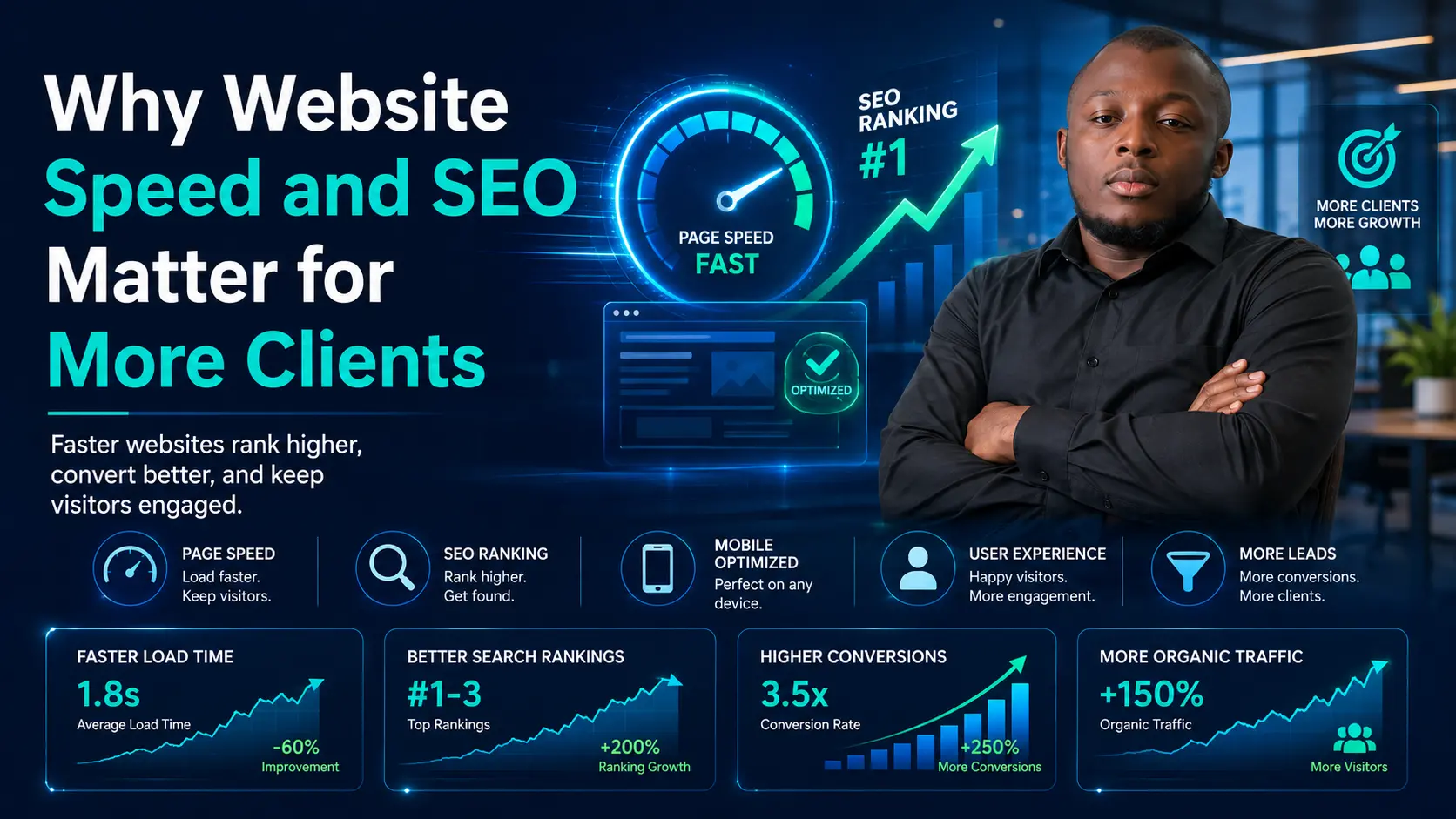
Search engine optimization starts in the code. Use one H1 per page. Keep title tags under about 65 characters when possible. Write meta descriptions around 150 to 165 characters with a reason to click. Add canonical URLs so duplicate routes do not compete. Make all important links crawlable with normal anchor tags. Use descriptive image alt text and set width and height attributes to reduce layout shift. Compress images before upload and avoid loading giant hero images on mobile.
Performance also matters. A PHP portfolio should use browser caching, minified CSS and JavaScript, optimized fonts, and lazy loading below-the-fold images. Critical hero images should be sized correctly and preloaded only when they are truly the largest contentful paint element. Avoid too many third-party scripts on the homepage. If you use chatbots, analytics, ads, or payment buttons, load them carefully so they do not block the first render.
- Use clean URLs such as
/blog/php-mysql-portfolio-website-that-gets-leads. - Add
BlogPostingschema for articles andBreadcrumbListschema for navigation context. - Keep sitemap.xml updated with every published post and submit it in Google Search Console.
- Use categories and tags, but avoid creating thin tag pages unless they have enough unique value.
- Check Google Search Console for queries with impressions but low click-through rate, then improve titles and meta descriptions.
What to measure after publishing
Once the post is live, the work is not finished. Watch Google Search Console for impressions, average position, click-through rate, and search queries. A new post may first earn impressions before it earns many clicks. That is a signal. If the post is showing for useful queries but people are not clicking, improve the title and meta description. If people click but leave quickly, improve the introduction, formatting, internal links, and page speed.
Also track conversions. A blog post that receives ten visits and produces one qualified client inquiry may be more valuable than a post that receives five hundred visits from people who will never hire you. Add event tracking for contact form submissions, phone clicks, email clicks, consultation button clicks, and downloadable resources. Organic growth becomes easier when you know which pages produce real outcomes.
The best PHP MySQL portfolio website grows like a product. You publish, measure, improve, and repeat. Each new blog post should support a service, answer a real search, and strengthen your authority. Over time, your site becomes more than a portfolio. It becomes a searchable body of work that proves you can build, explain, optimize, and deliver.
Next step: Use this checklist to audit your own portfolio, then connect the post to your services, projects, and contact form so every organic visitor has a clear path forward.
0 Comments
No comments yet. Be the first to comment.