AWS Cloud Projects for Beginners: Build Job-Ready Skills
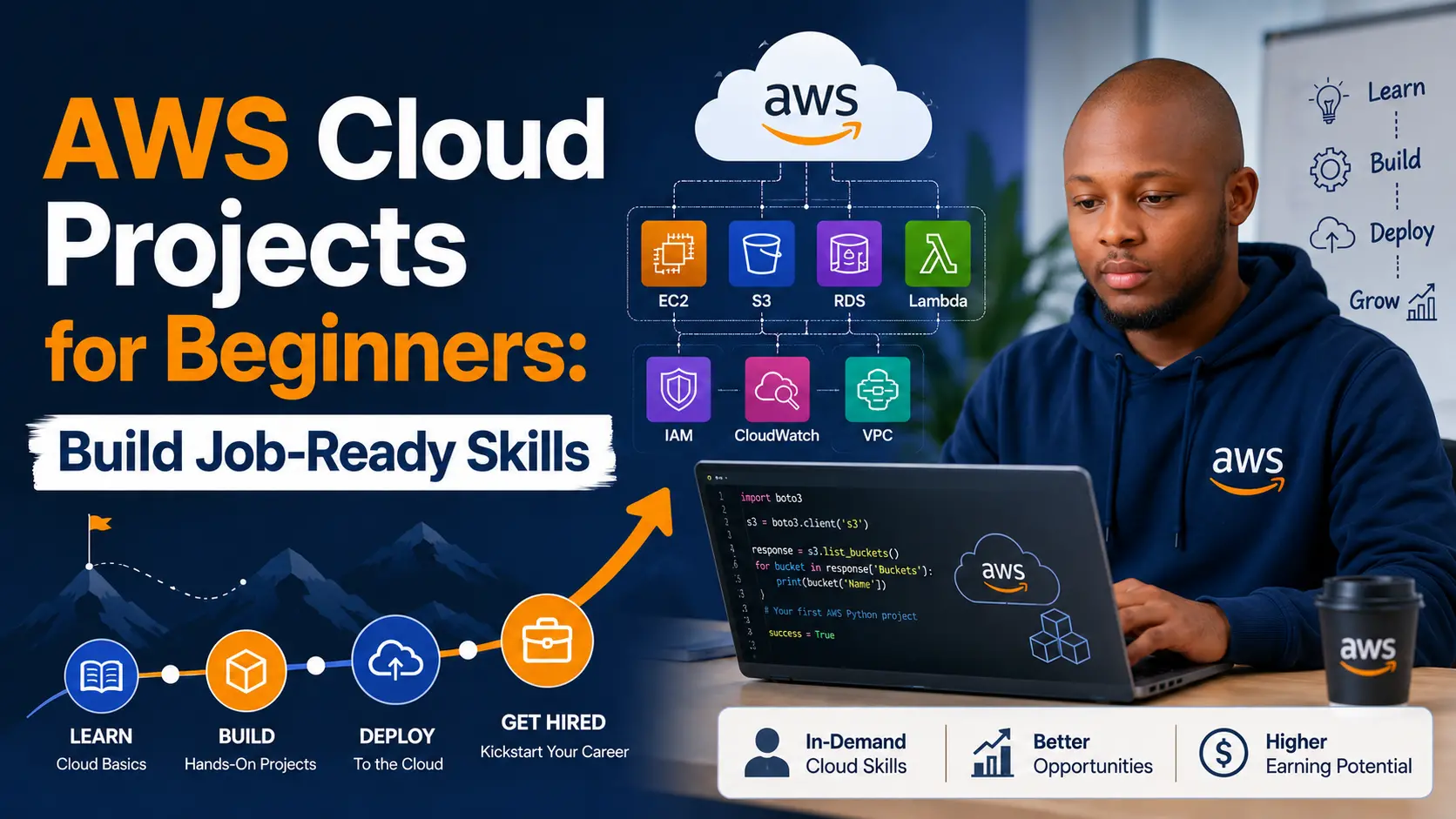
Why cloud projects matter more than memorizing definitions
Cloud certifications are valuable, but projects make the knowledge real. When you build on AWS, you learn what the diagrams, exam terms, and documentation actually mean. You see how IAM permissions affect a deployment, how networking decisions change access, how logs help troubleshoot, and how cost can grow if resources are left running. That experience gives you stories to tell in interviews and proof to show on a portfolio website.
A beginner cloud project should be small enough to finish, but complete enough to explain. You do not need to build a massive enterprise platform to prove skill. A static website with S3 and CloudFront, a serverless contact form, a monitored EC2 app, or a backup workflow can demonstrate architecture, security, automation, and documentation. The key is to describe the problem, the design choices, the services used, the security controls, and what you learned.
Recruiters and hiring managers often see resumes that list AWS, Linux, networking, and DevOps tools without context. A project portfolio solves that problem. It lets you point to a live page, a GitHub README, screenshots, architecture diagrams, and lessons learned. That turns “I studied cloud” into “I deployed a working cloud solution and can explain every part of it.”
Project 1: Static portfolio website on S3 and CloudFront
The first project every beginner should build is a static website hosted on object storage and delivered through a content delivery network. The goal is to understand hosting, DNS, TLS, caching, permissions, and deployment basics. Start with a simple HTML, CSS, and JavaScript site. Upload the files to an S3 bucket configured for static website hosting or use a private bucket behind CloudFront. Then connect a custom domain through Route 53 or another DNS provider.
The professional version of this project uses CloudFront for HTTPS, caching, and global delivery. Keep the S3 bucket private when possible and allow CloudFront to access it securely. Add a custom error page, set cache-control headers, compress images, and test the site on mobile. A beginner can finish the basic version quickly, but the advanced details give you more to discuss in interviews.
- Skills demonstrated: S3, CloudFront, DNS, HTTPS, IAM permissions, cache invalidation, static site deployment.
- Portfolio proof: architecture diagram, live URL, before-and-after page speed screenshots, deployment notes, and cost estimate.
- Interview story: explain why object storage plus CDN is cheaper and simpler than running a server for a static site.
Project 2: Serverless contact form with API Gateway and Lambda
A portfolio needs a contact form, and a serverless backend is a great way to learn event-driven architecture. Create a form with name, email, subject, and message fields. Send the submission to API Gateway, process it with Lambda, validate the input, and store the result in DynamoDB or send an email notification through a mail service. This project teaches you how front-end code communicates with cloud APIs.
The important part is security. Never trust the browser. Validate fields in Lambda, reject suspicious payloads, add rate limiting or basic bot protection, and avoid exposing secrets in client-side JavaScript. Use IAM roles with the least permissions needed. Log failures in CloudWatch and return friendly error messages to users. This is a small project, but it demonstrates real production thinking.
Document the flow from browser to API Gateway to Lambda to database or email. Add screenshots of CloudWatch logs, sample JSON payloads, and IAM permission boundaries. Also explain cost. Serverless services can be affordable at low traffic because you pay based on usage, but you still need alarms and limits to avoid surprises.
Project 3: Secure EC2 web server with monitoring
Running an EC2 instance teaches fundamentals that managed services can hide. Launch a small Linux instance, install a web server, deploy a simple PHP or Node app, and configure a security group that only allows the traffic you need. Use SSH keys, disable password login, update packages, and avoid opening unnecessary ports. Then add monitoring so you can see CPU, memory, disk, and application health.
This project is useful because many businesses still run workloads on virtual machines. Even when a company is moving to containers or serverless, engineers need to understand operating systems, networking, patching, logs, and backups. A secure EC2 project shows you can handle the basics responsibly. It also connects to your developer skills if you deploy a real app rather than a blank test page.
- Add a CloudWatch alarm for high CPU or failed health checks.
- Create a backup plan using AMIs or EBS snapshots.
- Use an Application Load Balancer if you want to practice scaling and health checks.
- Write a runbook explaining how to restart the service, check logs, and roll back changes.
Project 4: Private network design with public and private subnets
Networking is one of the areas that separates cloud beginners from job-ready candidates. Build a VPC with public and private subnets across at least two availability zones. Place a bastion host, load balancer, or public-facing resource in the public subnets. Place application servers or databases in private subnets. Configure route tables, internet gateway, NAT gateway or NAT instance, network ACLs, and security groups.
The goal is to understand traffic flow. Which resources can reach the internet? Which resources can receive inbound traffic? What is the difference between a route table and a security group? Why should a database not sit in a public subnet? These questions come up often in cloud interviews and real deployments.
Turn the project into a visual case study. Draw the network, label the CIDR ranges, show the route tables, and explain how a user request moves through the system. The diagram is just as important as the build because cloud work requires communication. A hiring manager wants to know that you can explain infrastructure to teammates, clients, and non-technical stakeholders.
Project 5: Automated backups and disaster recovery checklist
Many beginners focus on launching resources and forget recovery. A backup and disaster recovery project shows maturity. Choose a small application or database, define recovery goals, create snapshots or exports, automate retention, and test restore steps. Do not just say backups exist. Prove that you can restore from them.
For a web app, you can back up the database daily, store static uploads in versioned object storage, and document how to rebuild the server. For a static website, you can store source code in Git, deploy through a repeatable script, and keep a copy of DNS settings. For an EC2 instance, you can schedule EBS snapshots and test launching a replacement instance. Each scenario teaches resilience.
Write the project like a business case. A small business wants to avoid losing customer forms, blog posts, orders, or analytics data. Your project explains how cloud backups reduce risk. This makes the article useful for both job search and client-facing consulting content.
How to present AWS projects on your portfolio
A project is only powerful if visitors can understand it. Each project page should have a clear title, the problem, the architecture, the tools, screenshots, security notes, cost notes, and lessons learned. Avoid vague statements like “built in AWS.” Be specific. Say which services you used and why. Explain the tradeoffs. If something did not work at first, explain how you debugged it. That honesty builds credibility.
Use long-tail keywords naturally in your headings. For example, a page title like “AWS Serverless Contact Form Project with Lambda and API Gateway” is more searchable than “Project 2.” A heading like “How I secured the Lambda contact form” is more useful than “Security.” Search engines reward clarity because users reward clarity.
Finally, connect every project to a next step. A recruiter should be able to download your resume or contact you. A business owner should be able to request a consultation. A student should be able to read the next tutorial. Organic clicks become more valuable when the page gives the visitor a path.
How to keep beginner AWS projects affordable
Cost awareness is a job-ready skill. Before you create resources, write down what each service does and whether it has a free tier, hourly charge, storage charge, request charge, or data transfer charge. Set a billing alarm, use tags, and shut down anything you are not actively using. A beginner project should teach cloud architecture without creating surprise invoices. Add a short cost section to every project write-up because businesses care about budget as much as technical design.
When possible, automate cleanup. A simple checklist can remind you to delete test load balancers, unused elastic IPs, old snapshots, NAT gateways, and temporary instances. You can also create infrastructure in a repeatable way with scripts or infrastructure as code, then destroy it after testing. This discipline shows that you understand cloud responsibility. Building is only one side of cloud engineering; operating safely and economically is the other side.
Cost notes also make your portfolio more useful for small business readers. A business owner may not care about every AWS term, but they will care that you can explain why one design is affordable and another design is overbuilt. That ability turns a beginner project into consulting-ready content.
Next step: Choose one project this week, document it like a real case study, and publish it on your portfolio with screenshots, architecture notes, and a clear call to action.


0 Comments
No comments yet. Be the first to comment.