How I Built My Portfolio Site: Tech Stack & Decisions
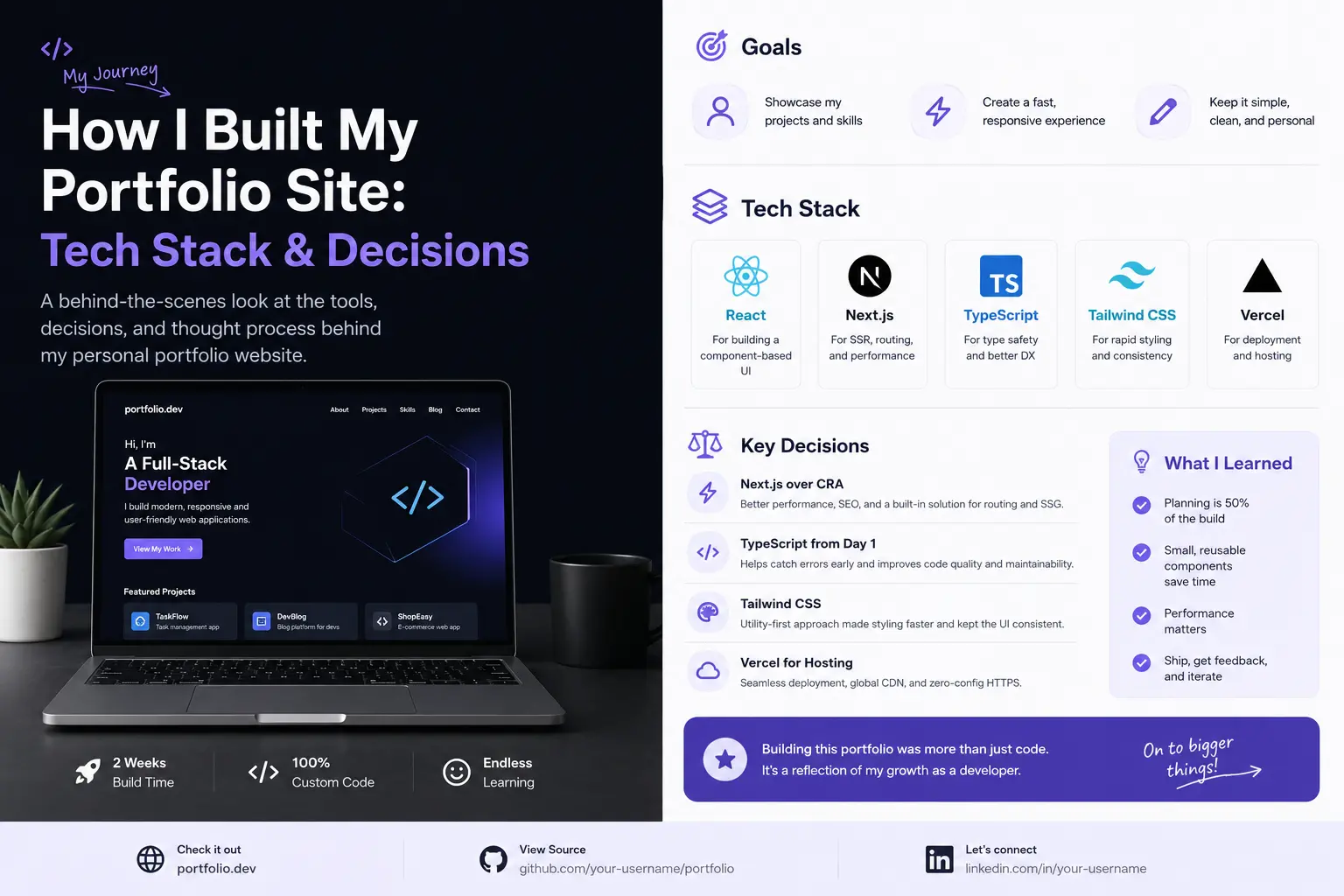
Every developer needs a portfolio that showcases their skills. But a portfolio is also a project in itself—a chance to demonstrate what you can do. Here's the story of how I built mine, the technologies I chose, and why.
The Tech Stack
I built this site with a practical, proven stack:
- PHP: Server-side rendering with reusable templates (header.php, footer.php)
- Bootstrap: Responsive grid and components that work on all devices
- Custom CSS: The Shiny template provides a solid foundation with parallax effects, smooth animations, and professional styling
- JavaScript/jQuery: Interactive elements, carousel, lightbox, and the AI chatbot integration
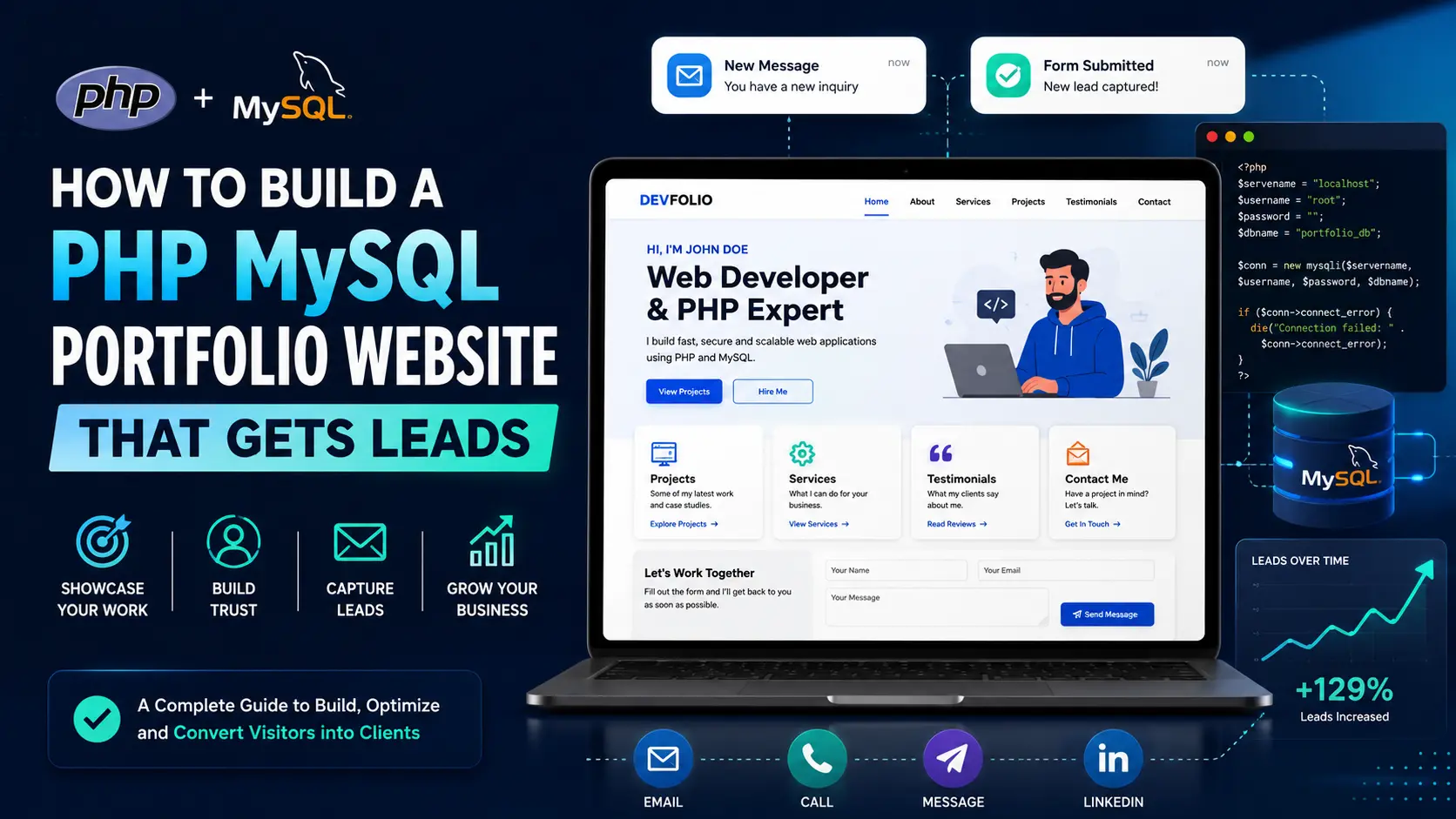
- MySQL: Backend database for contact forms and future dynamic features
Key Features
- AI Chatbot: Integrated with Google Gemini API for real-time visitor assistance
- PayPal Integration: Accept payments for services directly on the site
- Responsive Design: Looks great on phones, tablets, and desktops
- SEO Optimized: Meta tags, structured data, fast loading times
- Performance: Optimized images (WebP/AVIF), minified assets, CDN-ready
Design Decisions
I chose a dark theme with vibrant accents because it feels modern and professional. The parallax backgrounds and particle effects add visual interest without being distracting. Every section serves a purpose: services, portfolio, testimonials, pricing, and contact.
Lessons Learned
- Keep it simple—visitors should understand what you offer in 5 seconds
- Performance matters more than fancy animations
- Mobile-first is not optional anymore
- Regular updates show you're active and engaged
Building your own portfolio? I can help you create something that stands out.

0 Comments
No comments yet. Be the first to comment.